 Published by Jay Miller & Jonah Kowall
Last updated on July 30, 2026
•
7 minute read
It has been an exhausting quarter for system administrators and security teams. The last three months have been dominated by a storm of high-priority security issues. We have seen critical vulnerabilities surfacing in everything from container orchestration platforms to widely used identity management systems. Just as many teams were preparing for the holiday freeze, yet another critical alert dropped on December 23 regarding the Net-SNMP protocol suite.

This new vulnerability, designated CVE-2025-68615 (CVSS 9.8), affects the snmptrapd daemon. While the timing is unfortunate, we want to start with the good news: PRTG Network Monitor is not affected.
The Difference Between GETs and Traps
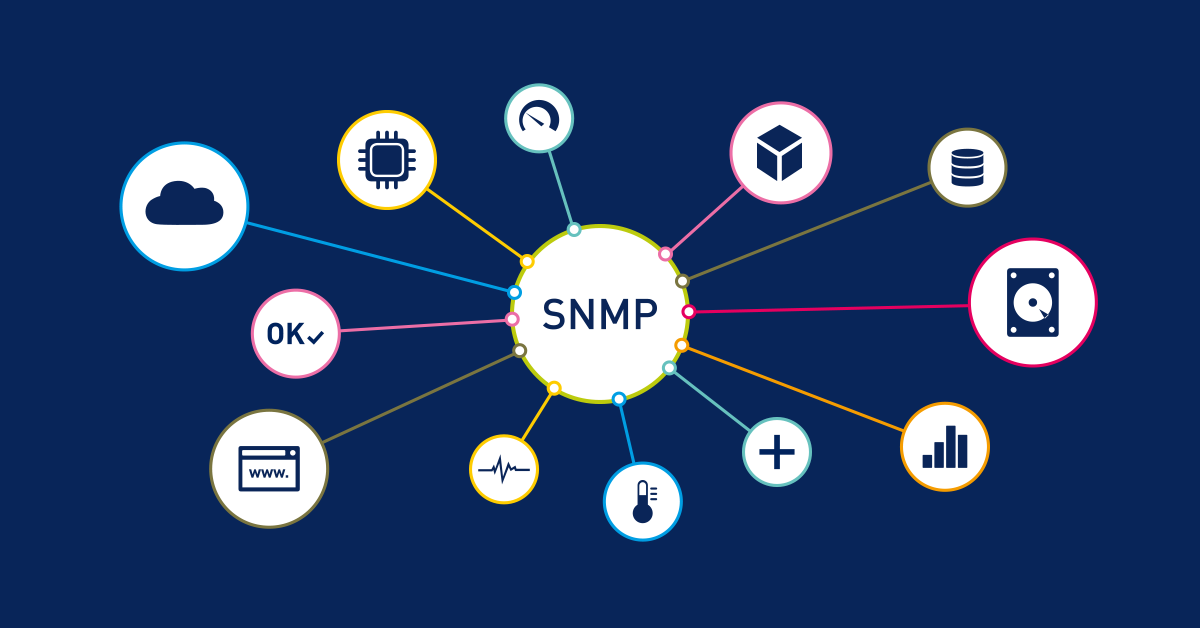
To understand why this vulnerability is relevant (but not catastrophic) to your PRTG installation, we need to distinguish between the two primary ways PRTG and other network management software speak SNMP: GET requests and Traps.
1. SNMP GETs: The Bread and Butter of Metrics
The vast majority of your PRTG sensors rely on SNMP GET requests. This is an "active" polling method. PRTG reaches out to a switch or server and asks, "What is your current CPU load?" or "How much traffic is on Port 1?" The device answers, and PRTG draws a graph.
The good news: This vulnerability does not impact SNMP GET requests. The flaw resides specifically in the daemon that receives Traps, not the agent that responds to polling. Your bandwidth charts, CPU load history, and memory usage metrics are completely safe from this exploit. The fundamental mechanism you use for performance monitoring remains secure.
2. SNMP Traps: The "Fire Alarm"
SNMP Traps are "passive" messages. Instead of PRTG asking for data, the device itself shouts when something goes wrong (like a fan failure or a port going down). PRTG listens to these messages using the SNMP Trap Receiver sensor.
The vulnerability targets snmptrapd, which is the standard open-source software used to listen for these Traps on Linux and Unix systems.
Why PRTG is safe: PRTG uses its own proprietary code to listen for Traps on both Windows and the Multi-Platform Probe (MPP). We do not use the vulnerable net-snmp code for this function. Therefore, neither your PRTG Core Server nor your MPP installations can be crashed or compromised by this specific exploit.
The Hidden Danger: Black Box Appliances
While most administrators focus on patching their Linux servers, a significant risk often hides in "black box" appliances. PRTG users frequently monitor infrastructure devices that run embedded Linux operating systems which users rarely interact with directly.
You should investigate the following device types in your network, as they often utilize Net-SNMP for their alert capabilities:
- Network Attached Storage (NAS): Many commercial NAS units run customized Linux distributions.
- UPS Network Cards: Management cards for Uninterruptible Power Supplies often rely on standard SNMP daemons.
- Environmental Monitors: Temperature and humidity sensors in server rooms.
- Load Balancers and WAN Optimizers: Verify if these appliances expose a trap listener.
These devices are often "set and forgotten," making them prime targets for lateral movement if they remain unpatched.
Why You Should Still Care
Even though PRTG is safe, and your metrics (GETs) are unaffected, you likely have other devices in your network that act as "listeners."
Many complex networks use Linux servers as intermediaries, jump hosts, or central log collectors. If you have a Linux server configured to receive SNMP Traps (perhaps to forward them to PRTG or log them to a file), that server is likely running snmptrapd.
If an attacker sends a malicious packet to that server:
- The Service Crashes: You lose "observability." The server stops processing alerts, meaning you might miss the next critical hardware failure warning.
- Potential Execution: In worst-case scenarios, the attacker could gain code execution on that Linux host.
What You Should Do Now
While you don't need to patch PRTG, you should use PRTG to look after the rest of your environment.
- Scan your Linux infrastructure: Use the SNMP Custom String sensor in PRTG to query OID 1.3.6.1.2.1.1.1.0. Look for any devices responding with Net-SNMP versions older than 9.5.
Figure 1: Configure the SNMP Custom String sensor to check for vulnerable versions. - Audit your listeners: Identify any Linux servers that are configured to receive SNMP Traps. Ensure they are patched immediately.
- Check your firewalls: As always, ensure UDP Port 162 is not exposed to the public internet.
Automated Detection Tool
We understand that checking every device manually is not feasible for large networks. To assist you, we have created a Python script that automates the scanning of subnets to identify devices running vulnerable versions of Net-SNMP.
👉 View the Net-SNMP Vulnerability Scanner README File on GitHub
👉 Get the Net-SNMP Vulnerability Scanner Script on GitHub
Installation and Usage Guide
If you are not familiar with running Python scripts, please follow these steps to use the tool.
- Prerequisites
Ensure you have Python installed on your machine. You can verify this by opening your command prompt or terminal and typing:
python --version
If Python is not installed, download it from the official Python website.
- Install Required Libraries
This script relies on the pysnmp library to communicate with your devices. Install it using the standard package manager pip:
pip install pysnmp
- Running the Scan
Save the script as scan_netsnmp.py. run the script by specifying the subnets you wish to check. You can also specify your community string (the "password" for SNMP) if it is not the default 'public'.
Example 1: Basic scan of a local subnet
python scan_netsnmp.py 192.168.1.0/24
Example 2: Scanning with a custom community string
python scan_netsnmp.py 192.168.1.0/24 --community mySecretString
View Additional Settings
The script includes other configuration options. You can view the full help menu by running the script without any arguments or by using the help flag:
python scan_netsnmp.py --help
The script will list any device responding with a Net-SNMP version lower than 5.9.5 so you can target your remediation efforts effectively.
This has been a challenging few months for the security community. We hope this clarification helps you prioritize your response so you can head into 2026 with a secure and observable network.


 You there!